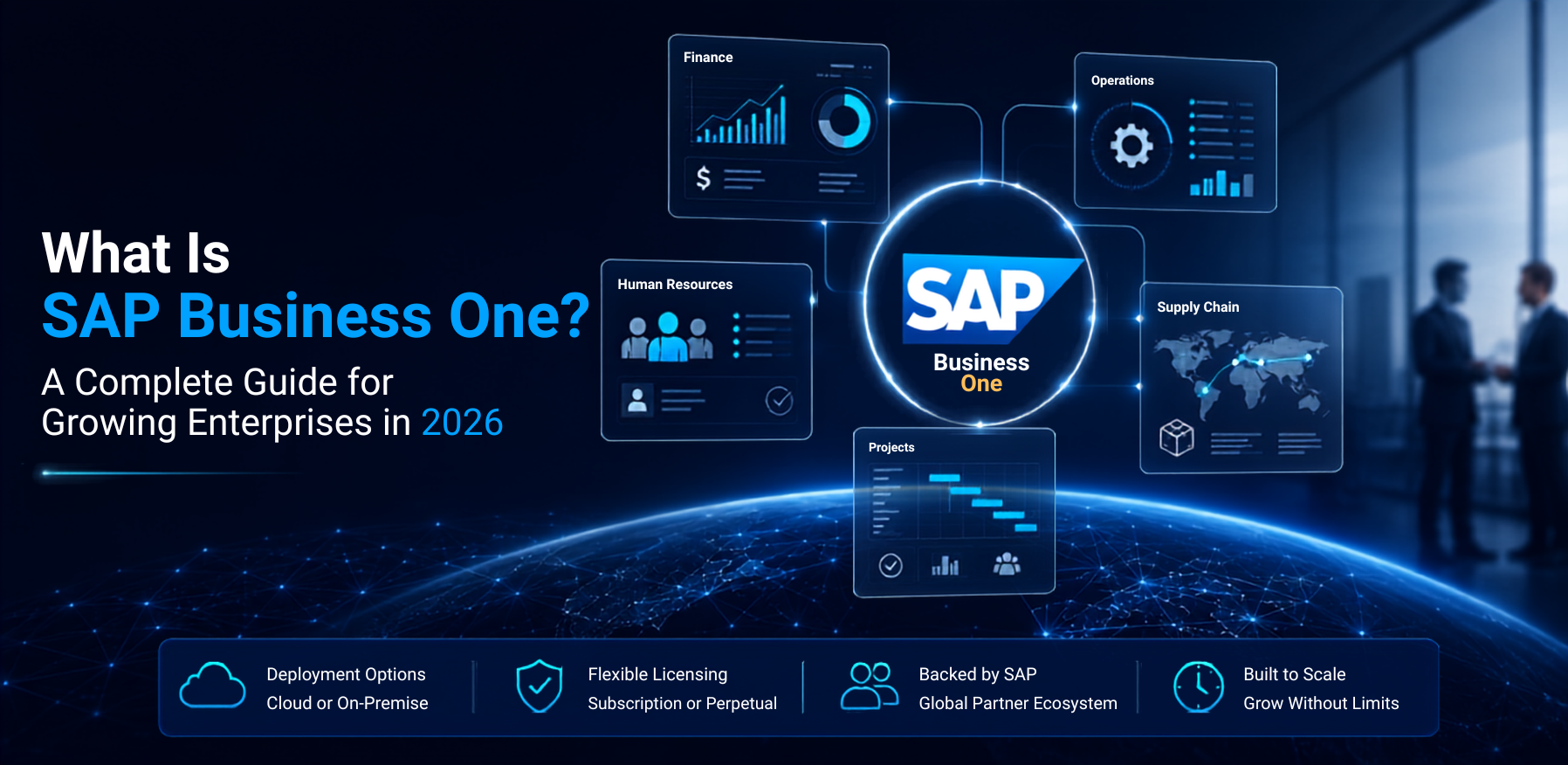
What Is SAP Business One? A Complete Guide for Growing Enterprises in 2026
SAP Business One, often shortened to SAP B1, is SAP's Enterprise Resource Planning system built for small and mid-sized businesses. It brings finance, sales, purchasing, inventory, production, and reporting into one connected platform, so a business runs from a single source of data instead of several disconnected tools.
This guide covers what SAP Business One actually does, how its modules fit together, current 2026 pricing, deployment choices, and how to decide if it is the right ERP for your business.
Key Takeaways
- SAP Business One is a single, integrated ERP platform covering accounting, sales, purchasing, inventory, production, CRM, and reporting, designed for small and mid-sized businesses that want SAP-grade governance without the scale of S/4HANA.
- It is available as a cloud subscription or a perpetual on-premise license, and SAP continues to offer both options rather than moving to subscription only, according to ERP Information.
- 2026 pricing for the Professional cloud tier typically clusters around $95 to $155 per user per month, with perpetual licenses running $3,200 to $5,500 per user as a one-time fee plus 18 to 22% annual maintenance, based on figures from ERP Research and Synavos.
- Because financials, inventory, purchasing, and sales share one transactional database, a single transaction such as a goods receipt updates inventory valuation, accounts payable, and the general ledger at the same time, which is one of the platform's main operational advantages.
- The right fit depends on company size, growth plans, and whether the business needs SAP's partner ecosystem and governance model, or a simpler standalone accounting tool.
What Does SAP Business One Actually Do?
SAP Business One is a system of record for a growing company's core operations. Instead of running separate tools for accounting, inventory, and customer relationship management, every department works from the same underlying database, so information updates across the business as soon as one transaction is entered.
Core modules include:
- Financials and accounting. General ledger, accounts payable and receivable, budgeting, and multi-currency support for businesses operating across regions.
- Sales and CRM. Opportunity tracking, quotes, sales orders, and customer relationship management in one workflow.
- Purchasing and inventory. Purchase orders, vendor management, stock tracking, and warehouse management, connected directly to financials.
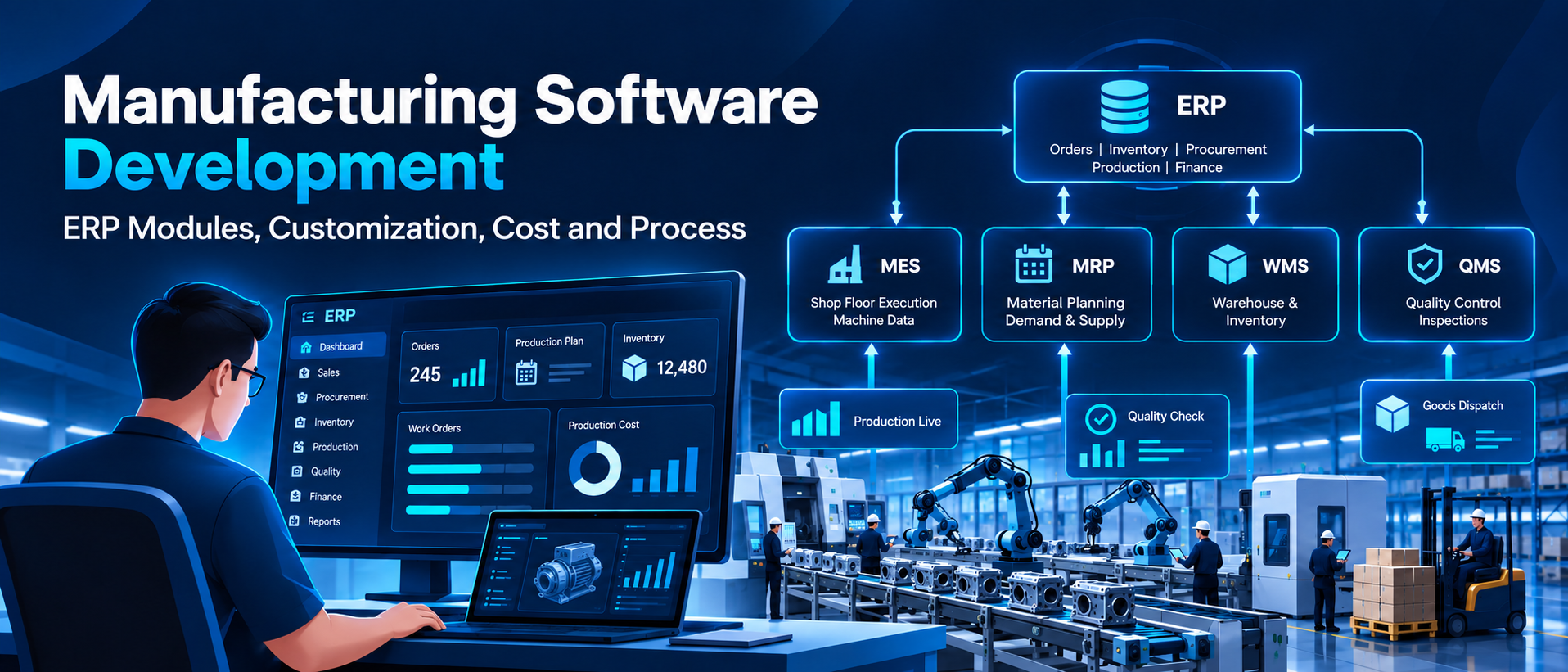
- Production and MRP. Material requirements planning, bills of materials, and work orders for businesses that manufacture or assemble products.
- Reporting and analytics. Customizable reports with drill-down and what-if scenario modeling, built on the SAP HANA in-memory database for faster analysis.
How SAP Business One Supports Growing Businesses
Process automation. A built-in workflow creator lets teams define multi-step business processes that the system then runs automatically, reducing manual data entry and the errors that come with it.
Real-time visibility. Because every module shares one database, leadership can monitor key performance indicators, spot trends, and plan for demand changes using current data rather than data pulled together at month-end.
Financial control and compliance. Centralized financial reporting helps growing businesses meet sector-specific compliance requirements and maintain transparent records for regulators, auditors, and customers.
Industry versatility. SAP Business One is used across a wide range of sectors, from manufacturing and distribution to specialty food and medical devices, since its core modules apply to almost any business that manages inventory, purchasing, and financials.
SAP Business One Pricing in 2026
Pricing depends on deployment model, license type, and user mix, and SAP does not publish a single public price list; costs are set by SAP-certified partners, so the ranges below are directional rather than fixed quotes.
| License Type | Cloud (per user/month) | Perpetual (one-time per user) |
| Professional (full access) | $95–$155 | $3,200–$5,500 |
| Limited (CRM, Logistics, or Financials only) | $47–$94 | $1,500–$3,500 |
| Starter Package (up to 5 users) | $38–$45 | $959 and up (regional pricing varies) |
Figures toward the higher end of the cloud range usually reflect bundled hosting, add-on modules, or premium support tiers rather than the base license fee alone. Cloud subscription pricing typically bundles hosting and maintenance into the monthly fee, while a perpetual license adds a separate annual maintenance charge on top of the one-time purchase, according to ERP Information and ERP Research. Perpetual maintenance runs roughly 18 to 22% of the license value each year.
Implementation, data migration, training, and integrations are quoted separately from licensing. For a small deployment, these typically add $5,000 to $50,000; for a multi-module rollout across several departments, they can run $30,000 to $120,000 or more. Total first-year cost for a typical SMB project commonly lands at 1.5 to 3 times the annual license spend once these are included, per figures from ERP Pilot.
For a single-entity company with a stable headcount, the perpetual license often becomes the lower-cost option after roughly two years compared to an ongoing subscription, while cloud subscription suits businesses that prefer predictable operating costs and less internal IT overhead.
Cloud vs On-Premise: Choosing a Deployment Model
Cloud (subscription):
- Hosting, automatic updates, backups, and standard support included in the subscription fee
- Lower upfront cost and less internal IT infrastructure required
- Predictable monthly operating cost, well suited to businesses without a dedicated IT team
On-premise (perpetual license):
- One-time license fee plus annual maintenance, with the business running the system on its own infrastructure
- Often the lower total cost over a multi-year horizon for a stable, single-entity business
- More control over customization and infrastructure, at the cost of more internal IT responsibility
Both models run on the same core functionality, so the decision usually comes down to budget structure, IT capacity, and how much infrastructure control the business wants to retain.
SAP Business One vs Other ERP Systems
SAP Business One is most often compared with NetSuite when businesses evaluate mid-market ERP options. NetSuite operates exclusively as a cloud-native, subscription-only platform, while SAP Business One offers both cloud and perpetual on-premise licensing, giving businesses more flexibility in how they structure long-term costs, as noted by Clients First.
On pricing structure, NetSuite typically charges a base platform fee, often around $999 per month, plus $99 to $199 per user per month on top of it. SAP Business One is priced per user rather than through a separate platform fee, with partner cloud bundles that include hosting and support built into the per-user rate. Businesses evaluating both should compare total monthly cost at their actual user count rather than per-user price alone, since NetSuite's base fee changes the math for smaller teams.
For manufacturers specifically, SAP Business One includes core production functionality such as MRP, work orders, and integrated costing without requiring the complexity of a full enterprise-tier manufacturing system, which makes it a common choice for mid-sized manufacturers and distributors that have outgrown basic accounting software but do not yet need S/4HANA-level scale.
Who Should Choose SAP Business One?
SAP Business One tends to be the strongest fit for businesses that match a few characteristics:
- Company size. Roughly 10 to 250 users, typically operating as a single legal entity or a small number of related entities, rather than a large multi-entity group.
- Outgrowing basic accounting software. Businesses that have moved past QuickBooks, Xero, or a similar standalone accounting tool and need inventory, sales, and purchasing connected to financials in one system.
- Core ERP needs without enterprise-scale complexity. Companies that need integrated finance, inventory, sales, and basic MRP, but do not require the scale or complexity of S/4HANA.
- Comfort with a partner-led rollout. Businesses that are ready to work with an SAP partner for implementation and ongoing customization, rather than a purely self-service setup, and that want access to SAP's partner ecosystem and governance model.
- Flexibility on licensing structure. Companies that want the option of a perpetual license for long-term cost control, alongside the choice of a cloud subscription if predictable operating costs matter more.
If a business is well beyond this range, spans many legal entities, or needs deep industry-specific functionality at large scale, S/4HANA or a comparable enterprise-tier platform is usually a better starting point.
Implementation: What to Plan For
A typical SAP Business One implementation takes three to six months, depending on the number of users, modules, and level of customization involved. Key phases generally include:
- Project preparation. Defining scope, objectives, and assembling the project team.
- Business process review. Documenting current workflows and designing how they will run inside SAP Business One.
- System configuration. Setting up modules, custom fields, and any required integrations with existing tools.
- Data migration and testing. Moving historical data across and running integration and user acceptance testing.
- Training and go-live. Preparing end users, running the cutover, and providing go-live support, sometimes called hypercare, in the first weeks after launch while the team adjusts to the new system.
Working with an experienced SAP partner during this process tends to reduce the risk of the costly mistakes that come with a poorly scoped implementation, including duplicated data entry, incomplete integrations, and low user adoption after go-live.
How Triazine Software Helps with SAP Business One
As a CMMI Level 3 certified enterprise software company, Triazine Software brings over a decade of experience across finance, supply chain, CRM, and supplier relationship management to SAP implementation projects. Our SAP implementation and support services cover the full lifecycle, from initial installation and business process design through system integration, upgrades, and ongoing support, so businesses get a properly scoped rollout rather than a generic template deployment.
We have integrated SAP directly into real-time customer and field operations platforms, including our work on the gas utility customer platform, where SAP integration synchronizes billing, payments, and service data across the business in real time. For businesses looking to run SAP Business One on modern cloud infrastructure, our cloud managed services support hosting, scaling, and day-to-day operations on AWS and Azure, and our custom software development team builds the integrations that connect SAP Business One to your other business systems.
Frequently Asked Questions
What is SAP Business One used for?
SAP Business One is used to run the core operations of a small or mid-sized business, financials, sales, purchasing, inventory, production, and reporting, from a single integrated platform instead of separate disconnected tools.
Is SAP Business One cloud-based or on-premise?
Both. SAP Business One is available as a cloud subscription or a perpetual on-premise license, and businesses can choose based on budget structure, IT capacity, and how much infrastructure control they want to retain.
How much does SAP Business One cost in 2026?
Professional cloud subscriptions typically run $95 to $155 per user per month, and perpetual licenses run $3,200 to $5,500 per user as a one-time fee, plus 18 to 22% annual maintenance. Implementation, training, and integrations are usually quoted separately, and can add $5,000 to $120,000 or more depending on the size and complexity of the rollout.
How does SAP Business One pricing compare to NetSuite?
NetSuite typically charges a base platform fee, often around $999 per month, plus $99 to $199 per user per month. SAP Business One is priced per user, without a separate platform fee, and partner cloud bundles usually include hosting and support in that per-user rate. Comparing total monthly cost at your actual user count gives a clearer picture than comparing per-user prices alone.
How is SAP Business One different from SAP S/4HANA?
SAP Business One is built for small and mid-sized businesses and covers core ERP functions with a simpler setup and lower cost. S/4HANA is SAP's enterprise-scale platform, aimed at larger organizations with more complex, multi-entity operations.
How long does an SAP Business One implementation take?
Most implementations take three to six months, depending on the number of users, modules, and the level of customization and data migration required.


















































 Get free quote