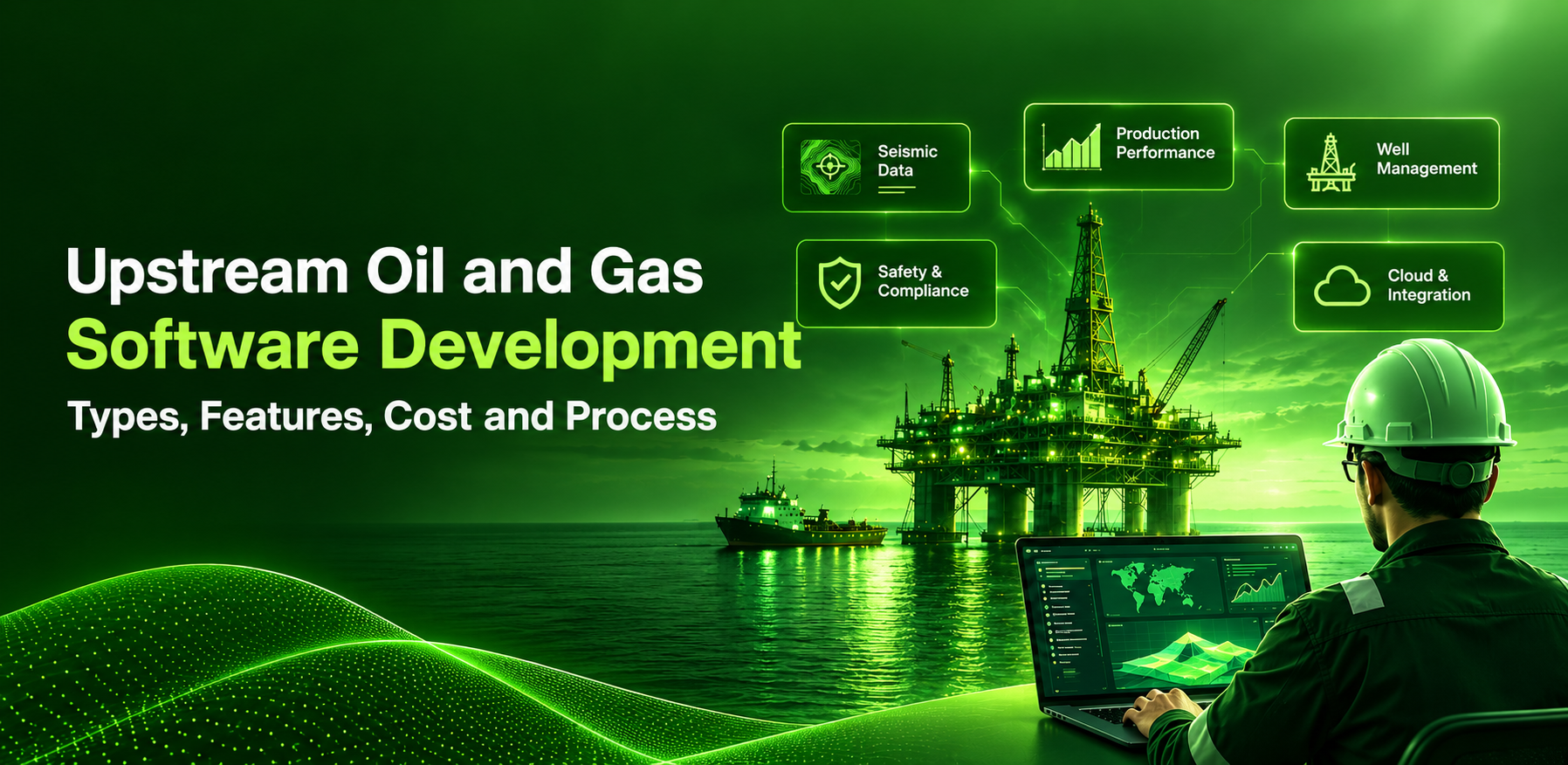
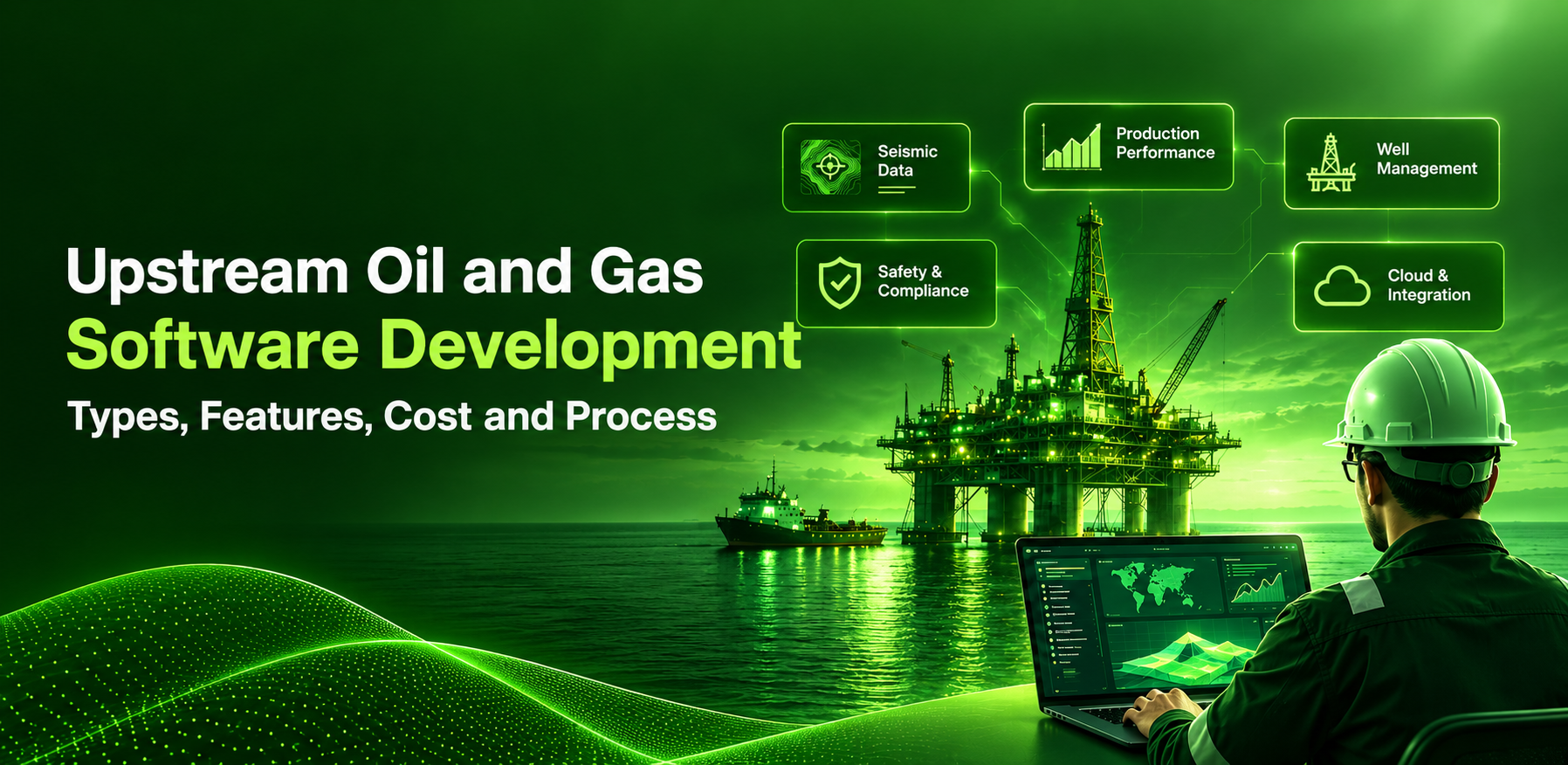
Upstream Oil and Gas Software Development: Types, Features, Cost and Process
Many upstream operators still run the field on spreadsheets, paper tickets, and systems that don't talk to each other. Production data reaches the office a day late; engineers lose hours to manual reports, and equipment problems surface only after output has dropped.
Upstream oil and gas software exists to close those gaps. This guide explains the main types, the features that matter, when to build instead of buy, and what a custom build involves.
The short version for operators deciding where to spend:
- Buy established suites for subsurface science and accounting. Build the field, safety, and reporting workflows specific to your operations.
- Start with one workflow on one asset. The first module typically goes live in three to five months.
- Fix the well and asset data model before anything else. Every later module, dashboard and AI use case depends on it.
What is upstream oil and gas software?
Upstream oil and gas software is any application that supports finding, drilling, and producing hydrocarbons. It covers the exploration and production (E&P) half of the industry: everything that happens before crude or gas enters a pipeline.
The work it supports falls into four stages:
- Exploration. Interpreting seismic and geological data to decide where to drill.
- Appraisal and development. Modelling the reservoir, planning wells, and designing facilities.
- Drilling and completion. Running rigs, tracking well progress and managing cost against the authorization for expenditure (AFE).
- Production. Operating wells and facilities, allocating volumes, maintaining equipment, and reporting to partners and regulators.
Midstream software (pipelines, storage, transport) and downstream software (refining, distribution, retail) solve different problems. This guide stays on the upstream side, although many building blocks, such as inspection, permit-to-work and asset data, are shared across all three.
Why upstream operators are investing in software now
Operators are being asked to hold production with tighter capital, and software is one of the few levers that does not need a new well.
- Oil capital is shrinking. The IEA's World Energy Investment 2026 report expects oil investment to fall for a third consecutive year in 2026, to below $500 billion, despite higher prices (IEA news release, 28 May 2026).
- Gas capital is growing. The same IEA release projects natural gas investment of $330 billion in 2026, the highest level in a decade, supported by new LNG export projects.
- Most spend only replaces lost output. In The Implications of Oil and Gas Field Decline Rates, the IEA reports that nearly 90% of annual upstream investment since 2019 has gone to offsetting production declines in existing fields. The analysis draws on about 15,000 fields (IEA news release, September 2025).
- The shale declines fastest. The same IEA release states that, without investment, tight oil and shale gas output falls by more than 35% within one year.
Put together, the economics favour anything that lifts uptime, shortens the gap between field and office, and cuts manual reporting. That is the job upstream software is hired to do.
Types of upstream oil and gas software
Upstream software is easiest to understand in two groups: core E&P applications, and the operational workflows and platforms that support them. No single product covers both groups well.
Core upstream (E&P) applications
These are the conventional upstream software categories, built around subsurface science, wells, and hydrocarbon accounting.
| Category | What it handles | Main users | Usual route |
| Geoscience and seismic interpretation | Seismic processing, subsurface mapping, prospect evaluation | Geologists, geophysicists | Buy |
| Reservoir modelling and simulation | Reserves estimates, flow simulation, field development plans | Reservoir engineers | Buy |
| Well planning and drilling operations | Well design, daily drilling reports, rig scheduling, cost vs AFE | Drilling engineers, rig supervisors | Buy core, build reporting |
| Production operations | Field data capture, well tests, downtime, allocation, surveillance | Production engineers, pumpers | Buy or build |
| Land and lease management | Leases, obligations, rights of way, acreage, GIS maps | Landmen, legal | Buy |
| Production and joint venture accounting | Revenue, joint interest billing, division orders, royalties | Finance | Buy |
Supporting workflows and platforms
These are not upstream-specific products. They are operational workflows and technology layers that every operator needs around the core applications.
| Workflow or platform | What it handles | Main users | Usual route |
| Asset integrity and maintenance | Inspections, work orders, corrosion and equipment history | Maintenance, integrity teams | Buy or build |
| HSE and permit-to-work | Permits, incidents, audits, corrective actions | HSE, site supervisors | Build or configure |
| Field service and logistics | Crew dispatch, job tickets, vendor invoices, haulage | Operations, contractors | Build or configure |
| Emissions and regulatory reporting | Methane and flaring data, state and federal filings | HSE, regulatory | Build on the data platform |
| Data platform and analytics | Central well and production data, dashboards, forecasting | All teams | Build |
Long-established suites dominate the core applications. The supporting workflows are where operators' own processes differ from most, and where custom software earns its keep.
Integrated suites such as Quorum Upstream On Demand and IFS upstream bundle production, land and accounting. They are a sensible baseline to compare any custom build against.
Core features every upstream platform needs
Whatever the category, upstream software succeeds or fails eight capabilities. Use this as a requirements checklist.
- Offline-first mobile data capture. Well sites and offshore platforms have patch coverage. Field apps must work without signal and sync cleanly later.
- One well and asset master. Every module should refer to the same well, lease, facility, and equipment IDs. Duplicate masters are the root cause of most reconciliation work.
- Real-time and historical data ingestion. Pressure, temperature, flow, and tank levels from SCADA and historians, alongside manual readings.
- Configurable workflows and approvals. AFEs, permits, work orders and management-of-change requests each need routing rules that the business can change without a release.
- GIS and map views. Wells, pipelines, leases, and crews make more sense on a map than on a grid.
- Role-based access and full audit trail. Partners, contractors and regulators all need different slices of the same data, and every change must be traceable.
- Dashboards with exceptional alerts. Engineers should be told which 20 wells need attention today, not asked to scan 2,000.
- Open integration layer. APIs to ERP, accounting, land and regulator portals, so data is keyed at once.
A ninth is becoming standard: an AI assistant or agent that answers questions over well files, daily reports and procedures. It only works when the eight above are in place.
Technologies and integrations behind modern upstream software
A modern upstream platform has five layers, and the integration layer is where most projects run late. Plan each layer explicitly.
| Layer | What sits in it | Common choices |
| Field and edge | Sensors, RTUs, PLCs, flow computers, mobile devices | OPC UA, MQTT, Modbus gateways; Flutter or native mobile apps |
| Data ingestion | Streaming telemetry, historian feeds, file drops from vendors | Kafka or cloud IoT hubs; WITSML and PRODML parsers for drilling and production data |
| Data platform | Well master, time-series store, document store, GIS | Cloud data lakehouse, PostgreSQL with PostGIS, a time-series database, OSDU-aligned schemas |
| Applications | Production, maintenance, HSE, field service, reporting modules | Web apps in React or Angular; services in Python, Java or .NET |
| Intelligence | Forecasting, anomaly detection, document search, agents | ML models for decline curves and equipment failure; retrieval-based assistants over well files |
Three technological decisions deserve early attention.
Align with OSDU where subsurface data is involved. In June 2026, The Open Group released Version 1.0 of the OSDU Data Platform Standard, which defines consistent behaviour for a set of APIs so applications can integrate reliably across cloud providers and vendors (The Open Group press release). Building its schemas and APIs keeps your data portable.
Design the ERP you already run. Most operators keep finance and procurement in SAP or Oracle. Custom modules should be posted into that system, not creating a second set of books.
Keep operational technology separate. SCADA and control networks should feed data through a one-way or tightly brokered path. Business applications should never be written directly to control systems.
Each layer maps to a distinct engineering skill set: mobile app development for the field, cloud development and migration on Azure or AWS for the platform, and BI and reporting for dashboards. Check that a development partner covers all three before work starts.
Build vs buy when custom upstream software makes sense
Buy science, build the workflow. That rule holds for most operators, and the table shows why.
| Question | Off-the-shelf suite | Custom build |
| Is the process the same for every operator? | Strong fit: seismic, reservoir simulation, joint venture accounting | Poor use of budget |
| Is the process specific to how you operate? | You bend the process to the tool | Strong fit: permits, inspections, field tickets, approvals |
| How fast do you need it? | Weeks to configure | Three to nine months for a first module |
| Who owns the roadmap? | The vendor | You |
| How does the cost scale? | Per user or per well, every year | Mostly up front, then support |
| How well does it integrate? | Good inside the suite, harder outside it | Built around your ERP and data platform |
Custom development is usually the right call in four situations:
- The suite stops at the field. Field crews still use paper or spreadsheets because the licensed product has no usable mobile app.
- You operate across several systems after acquisitions. A thin custom layer over two or three inherited suites is cheaper than migrating them.
- A regulator or partner needs a report no product produces. Emissions, local content and state filings change faster than vendor roadmaps.
- Licence cost grows with well count. On a certain scale, owning the workflow modules is cheaper than renting them.
A hybrid is the common end state: commercial suites for subsurface and accounting, custom applications for field operations and HSE, and one data platform underneath both.
How to develop upstream oil and gas software: a 7-step process
Start with one workflow in one asset, prove it in the field, then widen. The seven steps below are in the order that keeps risk low.
- Discovery on site. Shadow the people who do the work: pumpers, rig supervisors, permit issuers. Map the current process, the paper forms and the systems each step touches.
- Define the data model first. Agree on the well, facility and equipment hierarchy and who owns each record. Every later module depends on it.
- Choose the first module with payback. Pick a workflow with a measurable cost today, such as deferred production from slow work orders or hours spent on daily reports.
- Design for field conditions. Use large touch targets, offline mode, glove-friendly input, photo capture, and minimal typing. Test prototypes at a real site, not in a meeting room.
- Build in short releases. Ship a usable slice every two to three weeks. Integrate with ERP and SCADA data early, because integration surprises are the main cause of delay.
- Pilot on one asset. Run the new system in parallel with the old process for four to six weeks. Fix what crews complain about before rolling out.
- Roll out, train, and support. Train supervisors first, then crews. Keep a support team on call across shifts, and review usage data monthly to decide what to build next.
Security testing belongs inside steps 5 and 6, not after them. Run vulnerability assessment and penetration testing before the pilot touches production data.
Upstream software development cost and timeline
A single field-operations module typically takes three to five months with a team of four to six people; a multi-module platform takes nine to eighteen months. The figures below are planning ranges for custom builds with an offshore or blended team. They are not fixed quotations: a real estimate needs a discovery phase to confirm scope, integrations, and data quality.
| Scope | Example | Team | Timeline | Indicative budget (USD) |
| Single workflow app | Digital permit-to-work or field data capture with mobile app | 4 to 6 | 3 to 5 months | 40,000 to 90,000 |
| Operations module with integrations | Production reporting with SCADA feed and ERP posting | 6 to 9 | 5 to 8 months | 90,000 to 220,000 |
| Multi-module platform | Production, maintenance, HSE and dashboards on one data model | 10 to 16 | 9 to 18 months | 250,000 to 700,000+ |
Six factors move a project up or down within its band:
- Number of integrations. Each ERP, SCADA, historian or regulator interface adds weeks, mostly in testing.
- Offline and mobile depth. True offline sync with conflict handling costs more than an online-only app.
- Data migration. Cleaning years of well and equipment records is often underestimated.
- Analytics and AI. Forecasting or anomaly models need historical data preparation before any modeling.
- Security and compliance scope. Penetration tests, audit logging and access reviews are fixed costs worth planning in.
- Sites and languages. Rollout across basins or countries adds training, localization and support hours.
Budget 15% to 20% of the build cost each year for hosting, support and enhancements.
Compliance, safety and security requirements
Regulators, partners, and insurers audit upstream software, so compliance must be designed from the first sprint. Four areas matter most.
- Control system security. Any application that reads from SCADA or PLCs sits next to operational technology. The ISA/IEC 62443 series defines security requirements for industrial automation and control systems across their lifecycle and is the reference most operators ask vendors to follow.
- Process safety records. Permit-to-work, isolation, management of change, and incident investigations must be time-stamped, attributable, and impossible to edit silently. Digital signatures and immutable audit logs are practical answers.
- Regulatory and partner reporting. Production volumes, flaring, methane and royalty data go to state, federal and joint venture partners in fixed formats. Rules differ by jurisdiction and change often, so reporting should be configurable, not hard-coded.
- Data protection and access. Apply role-based access, encryption in transit and at rest, single sign-on and regular penetration testing. Contractor access should expire automatically.
Ask any development partner how they handle each of the four before signing. Vague answers are the clearest warning sign in vendor selection.
How Triazine Software helps oil and gas operators
Triazine builds the workflow half of the stack: field mobility, safety and compliance, inspections, approvals and ERP-connected operations. We do not build seismic, reservoir or drilling engineering software; those are best bought from specialist vendors.
Our delivery record is in city gas distribution, refining and power rather than exploration and production. The table shows that work and the upstream need for each capability corresponds to, so you can judge the fit for yourself.
| What upstream teams need | What Triazine has delivered | Proof |
| Digital permit-to-work and safety approvals | Permit workflows on digital approval chains for a gas utility | Digital work permit management |
| Inspection and integrity records | Refinery inspection management for Chennai Petroleum | Digital refinery inspection management |
| EHS, incident and CAPA tracking | PrimeEHS platform across high-hazard facilities | PrimeEHS |
| Offline-capable field data capture | Meter reading and field force mobility apps for gas networks | Digital meter reading for gas utilities |
| ERP-connected operations | Integrations with SAP IS-U and S/4HANA Utilities | Oil, gas and energy solutions |
These platforms support more than 2 million customer interactions for operators including IGL, MNGL, CUGL, Aavantika Gas, CPCL, and NTPC. Triazine is appraised at CMMI Level 3, certified to ISO 9001:2015, and works on project, dedicated team, and long-term support models.
Planning a field operation, HSE or production reporting build? Talk to our oil and gas team, see our work on the oil, gas and energy page, or read about ours custom software development services.
Frequently asked questions
What is upstream oil and gas software?
It is a software that supports oil and gas exploration, drilling, and production. Typical categories are seismic interpretation, reservoir modelling, drilling operations, production operations, land management, production accounting, asset integrity, and HSE.
What is the difference between upstream, midstream, and downstream software?
Upstream software manages wells, reservoirs, and production. Midstream software manages pipelines, storage, and transport. Downstream software manages refining, distribution, and retail. All three use safety, inspection, and asset data tools.
Should we buy an upstream suite or build custom software?
Buy standard, science-heavy or accounting functions. Build workflows specific to how you operate, such as field data capture, permits, inspections, and partner reporting. Most operators end up with both on a shared data platform.
How long does it take to develop upstream oil and gas software?
A single workflow app takes about three to five months. A module with SCADA and ERP integrations takes five to eight months. A multi-module platform takes nine to eighteen months and is delivered in phases.
How much does custom upstream software cost?
As a planning range, a single workflow app runs from about $40,000 to $90,000, and a multi-module platform from $250,000 upwards. Integrations, offline capability, data migration, and analytics are the main cost drivers.
Which technologies are used in upstream software?
Cloud platforms such as Azure and AWS; IoT protocols such as OPC UA and MQTT; industry data standards such as WITSML, PRODML, and OSDU; GIS; mobile frameworks; and machine learning for forecasting and anomaly detection.
Can custom software integrate with SAP and SCADA systems?
Yes. Custom modules normally post transactions to SAP or Oracle through APIs and read operational data from SCADA or historians through a brokered, read-only path.
Sources
- IEA, World Energy Investment 2026 and its news release of 28 May 2026
- IEA, The Implications of Oil and Gas Field Decline Rates and its news release of September 2025
- The Open Group, OSDU Data Platform Standard, Version 1.0 press release, June 2026
- ISA, ISA/IEC 62443 series of standards
- Triazine Software, Oil, gas and energy industry page










































 Get free quote