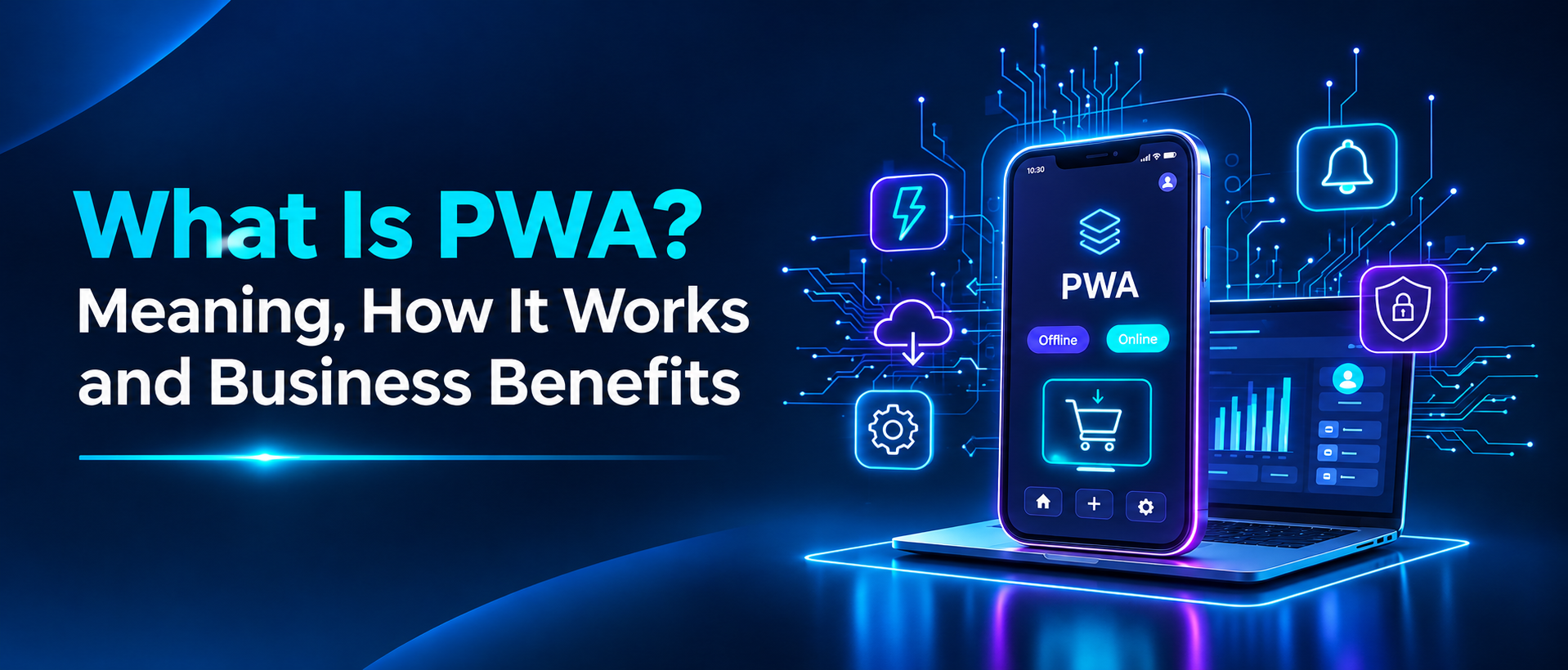
What Is PWA? Meaning, How It Works and Business Benefits
Quick answer: What is a PWA? A PWA, or progressive web app, is a website built with modern web technologies that looks, feels and behaves like a mobile app. Users can install it on their home screen, open it in its own window, use it offline and receive push notifications, all from a single codebase that runs on any device with a browser.
For U.S. businesses, that definition carries real strategic weight. Customers expect app-like speed, yet persuading them to download yet another app from an app store is expensive. PWAs bridge that space: they combine the reach of the web with the engagement of native apps. Pinterest, for example, saw weekly active users grow 103% year over year after launching its PWA (Pinterest Engineering), and Twitter Lite lifted pages per session by 65% (web.dev).
The opportunity grew again in 2025. With Safari 26, Apple made every website added to the iPhone Home Screen open as a web app by default (WebKit), giving PWAs a smoother experience across both major mobile platforms.
This guide explains:
- What a PWA is, with a clear PWA definition and meaning
- How a PWA app works under the hood
- How PWAs compare with native apps and responsive websites
- The business benefits, backed by real results
- When to choose a PWA and how to build one
What Is a PWA? Meaning and Definition
PWA Definition
To define PWA simply: a progressive web app (PWA) is a web application that uses a service worker, a web app manifest and HTTPS to deliver an installable, reliable, app-like experience through the browser.
The term was coined in 2015 by Google engineer Alex Russell and designer Frances Berriman. 'Progressive' means the app works for every user on every browser and progressively unlocks richer capabilities, such as offline access and installation, on browsers that support them.
PWA App Meaning in Plain English
So, whats a PWA from a user's point of view? It is an app you find through Google search or a link, tap 'Install' or 'Add to Home Screen,' and then open from an icon like any other app. It loads instantly, works on a flight or in a basement, and sends timely notifications. Behind the scenes, it is a website, which means it updates instantly for everyone and is fully indexable by search engines.
What Is a PWA App? 8 Core Characteristics
| Characteristic | What it means for users |
| Installable | Lives on the home screen, taskbar or dock with its own icon |
| Reliable | Loads quickly and works offline or on weak networks |
| Fast | Caching delivers near-instant repeat visits |
| Engaging | Supports push notifications, badges and full-screen mode |
| Responsive | Adapts to phones, tablets, desktops and foldables |
| Secure | Served over HTTPS to protect data |
| Discoverable | Indexed by search engines and shareable via a URL |
| Fresh | Updates instantly and skips app store review cycles |
How Does a PWA Work?
Every PWA rests on three building blocks: a service worker, a web app manifest and an HTTPS connection. Together they turn a website into an installable app.
1. Service Worker: The Engine
A service worker is a JavaScript file that runs in the background, separate from the web page. It sits between the app and the network, intercepting requests and deciding whether to serve content from the cache or fetch it fresh. This is what makes offline access, instant loading, background sync and push notifications possible.
Common caching strategies include:
| Strategy | How it works | Best for |
| Cache first | Serves from cache, falls back to network | App shell, fonts, icons, images |
| Network first | Tries the network, falls back to cache | News feeds, account data, prices |
| Stale while revalidate | Serves cached content instantly, refreshes in the background | Product listings, articles, profiles |
| Network only | Always fetches live data | Payments and real-time transactions |
| Cache only | Serves pre-cached assets | Static offline pages |
2. Web App Manifest: The Identity
The manifest is a small JSON file that tells the browser how the app should look and behave once installed: its name, icons, theme colors, start URL and display mode (such as standalone or full screen). It is the file that makes a PWA installable.
3. HTTPS: The Trust Layer
Service workers can intercept network traffic, so browsers require PWAs to run over HTTPS. This protects users and data and is a baseline for modern web security and SEO.
4. App Shell Architecture: The Speed Secret
Many PWAs separate the app shell (navigation, header, layout) from the content. The shell is cached on the first visit, so every repeat visit paints the interface instantly while fresh content loads in.
The PWA Lifecycle in Five Steps
- A user visits the site, and the browser registers the service worker.
- The service worker installs and caches the app shell and key assets.
- The browser detects the manifest and offers installation, or the user adds the app to the home screen.
- The app launches from its icon in a standalone window and loads instantly from cache.
- New versions download in the background and activate on the next launch.
Advanced Capabilities Available Today
Modern browsers give PWAs access to a growing set of device features: push notifications, app badges, camera and microphone, geolocation, Web Share, file system access, payments via the Payment Request API, biometric sign-in with passkeys and background sync on Chromium browsers.
PWA vs. Native App vs. Responsive Website
A PWA sits between a responsive website and a native app, combining strengths of both.
| Dimension | Responsive website | PWA | Native app |
| Installable on home screen | Bookmark only | Yes | Yes |
| Offline access | Minimal | Strong | Strong |
| Push notifications | Basic | Yes (Android, desktop and iOS 16.4+) | Yes |
| Discoverable via search (SEO) | Yes | Yes | App store listing |
| App store distribution | Web only | Optional (Google Play, Microsoft Store) | Required |
| Codebase | One | One | Separate iOS and Android, or cross-platform |
| Update process | Instant | Instant | Store review and user download |
| Install size | Minimal | Typically kilobytes to a few MB | Often tens to hundreds of MB |
| Device API access | Basic | Broad and growing | Full |
| Development cost | Lowest | Moderate | Highest |
When a Native App Remains the Stronger Fit
Native or cross-platform apps (such as Flutter or React Native) shine for experiences that rely on deep hardware integration: Bluetooth peripherals, NFC, advanced AR, heavy 3D gaming or continuous background location. Many enterprises run both, using a PWA to reach and convert new users and a native app for power users. Read our comparison of hybrid vs. native app development for more context.
10 Business Benefits of Progressive Web Apps
Understanding what a PWA is matters most when you see what it does for revenue, reach and cost.
1. Lower Development and Maintenance Costs
One codebase serves iPhone, Android, tablets and desktops. Teams ship features once, test once and maintain a single product, freeing budget for innovation.
2. Faster Time to Market
With one build and direct web deployment, businesses launch and iterate in days. Updates reach every user the moment they deploy.
3. Higher Conversion Rates
Speed drives sales. Ecommerce marketplace JD.ID raised its overall mobile conversion rate by 53%, and by 200% among users who installed its PWA (web.dev).
4. Stronger Engagement and Retention
Home screen presence, push notifications and instant loading bring users back. Twitter Lite saw tweets sent rise 75% after launching its PWA.
5. Frictionless Installation
Users install a PWA in one tap, straight from the browser. The Starbucks PWA weighed just 233KB, about 99.84% smaller than its iOS app (CaseStudies.com), so it installs instantly even on modest connections.
6. SEO Visibility
PWAs are websites first, so every page can rank in Google and be shared with a link. This makes PWAs a powerful acquisition channel as well as an engagement tool.
7. Offline Reliability
Field teams, travelers and shoppers in areas with patchy coverage keep browsing, filling forms and viewing content. Actions sync automatically once connectivity returns.
8. Cross-Platform Reach
A single PWA reaches every customer with a modern browser across iOS, Android, Windows, macOS and ChromeOS.
9. Lighter Data and Storage Footprint
Twitter Lite needed less than 3% of the device storage of its Android app, opening doors to customers on budget devices and modest data plans.
10. Enterprise-Friendly Deployment
Internal PWAs for field service, inspections, sales enablement and dashboards roll out to employees through a simple URL, which streamlines device management and distribution.
Real-World PWA Examples and Results
These brands show what a PWA app delivers at scale.
| Company | Industry | Reported PWA result |
| Social and discovery | Weekly active users up 103%; logins up 370%; session length up 296% | |
| Twitter Lite | Social media | Pages per session up 65%; tweets sent up 75%; bounce rate improved by 20% |
| JD.ID | Ecommerce | Mobile conversion rate up 53%; up 200% for installed users |
| Starbucks | Food and beverage | 233KB PWA, 99.84% smaller than its iOS app |
Pinterest: Growth in Emerging Markets
Pinterest rebuilt its mobile web experience as a PWA to serve users across every network speed. Within a year, weekly active users more than doubled, with growth of 156% in Brazil and 312% in India, and about 800,000 weekly users launched the PWA from their home screen within six months of rollout (Pinterest).
Twitter Lite: Engagement with a Tiny Footprint
Twitter Lite transferred about 600KB over the network, compared with 23.5MB for the Android app. The lightweight experience increased pages per session, tweets sent and overall engagement (Twitter Lite).
JD.ID: Conversions Powered by Installation and Push
JD.ID combined smart caching, installation prompts and push notifications. Daily active mobile users rose 26%, driven by re-engagement through notifications (JD.ID).
Starbucks: Ordering Anywhere
Starbucks built a PWA that lets customers browse the menu, customize drinks and add items to their cart even while offline, extending its ordering experience to every device (Starbucks).
The pattern: each brand used a PWA to reach more users, faster, with a lighter experience, and then turned that reach into measurable engagement and revenue.
When Is a PWA the Right Choice?
A PWA is an excellent fit when reach, speed and cost efficiency matter most.
Ideal Use Cases
- Ecommerce and retail: fast product browsing, wishlists and checkout that convert mobile shoppers. See our custom ecommerce development guide.
- Media and publishing: instant article loading, offline reading and push alerts for breaking news
- Travel and hospitality: itineraries, boarding details and bookings available offline
- Food ordering and restaurants: menus, ordering and loyalty in a lightweight app
- Field service and inspections: offline forms, photo capture and automatic sync for workers on site
- B2B SaaS and enterprise portals: customer and employee portals with app-like access on any device
- Emerging-market and low-bandwidth audiences: small downloads and offline resilience
PWA Platform Support in 2026
| Platform | PWA support highlights |
| Android (Chrome, Edge, Samsung Internet) | Install prompts, push notifications, background sync, Google Play listing via Trusted Web Activity |
| iOS and iPadOS (Safari 26) | Every site added to the Home Screen opens as a web app by default; web push for Home Screen apps since iOS 16.4 |
| Windows (Edge, Chrome) | Install from the browser; Microsoft Store distribution via PWABuilder |
| macOS (Safari, Chrome, Edge) | Add to Dock in Safari; installable in Chromium browsers |
| ChromeOS | First-class install and app launcher integration |
Note for global brands: in the European Union, Apple's iOS changes under the Digital Markets Act affect how Home Screen web apps behave, so teams serving EU users should plan for that experience separately.
A Quick Decision Checklist
Choose a PWA when most of these statements are true:
- Search and link sharing are important acquisition channels
- You want one codebase for every platform
- Speed to market and frequent updates are priorities
- Your core features rely on standard device capabilities such as camera, location, payments and notifications
- You serve users on varied devices and network conditions
Choose native or cross-platform apps when deep hardware access, advanced graphics or app store presence is central to the product. Many brands succeed with both.
How to Build a PWA: A 7-Step Process
- Define goals and KPIs. Set targets such as conversion rate, repeat visits, installs and load time.
- Design mobile-first UX. Plan app-like navigation, gestures, offline states and install prompts. Our UI/UX design team specializes in this.
- Choose the tech stack. Popular choices include React with Next.js, Angular (with built-in PWA support), Vue with Nuxt, SvelteKit and Ionic. Explore our JavaScript frameworks expertise.
- Build the app shell and service worker. Use tools such as Workbox to implement caching strategies and offline fallbacks.
- Create the web app manifest. Add the name, icons, theme colors, start URL and display mode, and design a clear install experience.
- Add engagement features. Integrate push notifications, background sync, Web Share and payments where they create value.
- Test, launch and optimize. Audit with Lighthouse and Core Web Vitals, test on real iOS and Android devices, then optionally list the app on Google Play and the Microsoft Store.
PWA Best Practices
- Target Largest Contentful Paint under 2.5 seconds and Interaction to Next Paint under 200 milliseconds
- Offer a branded offline page and clear messages about sync status
- Ask for notification permission at a meaningful moment, after the user sees value
- Version your service worker and plan update flows carefully
- Track installs, standalone sessions and push engagement in analytics
- Follow accessibility standards such as WCAG 2.2
Typical PWA Development Timeline
| Scope | Typical timeline |
| Convert an existing responsive site into a PWA | 3 to 6 weeks |
| New PWA with core features | 2 to 4 months |
| Enterprise PWA with integrations and offline workflows | 4 to 8 months |
Build a High-Performing PWA with Triazine
A PWA delivers its full value when strategy, design and engineering come together. Triazine helps U.S. businesses, through its U.S. entity Triazine Software LLC, design and build fast, secure and installable progressive web apps that customers love to use.
- Website and application development: PWAs built with React, Next.js, Angular, Vue and Ionic
- Mobile app development: PWAs, hybrid and native apps chosen to match your goals
- UI/UX design: app-like, accessible experiences that convert
- Dedicated web developers: extend your team with experienced PWA engineers
From converting your current website into a PWA to launching a new enterprise portal, Triazine delivers app-quality experiences at web speed and scale.
Frequently Asked Questions
What is a PWA in simple terms?
A PWA is a website that works like an app. You can install it on your home screen, open it in its own window, use it offline and receive notifications, all through the browser.
What is the PWA def (definition)?
The standard PWA definition is a web application that uses a service worker, a web app manifest and HTTPS to deliver an installable, reliable, fast and engaging experience across platforms.
What is a PWA app used for?
Businesses use PWA apps for ecommerce storefronts, media sites, food ordering, travel bookings, customer portals, internal enterprise tools and field service workflows.
What does PWA stand for?
PWA stands for progressive web app. 'Progressive' means the app works for every user and progressively adds advanced features on browsers that support them.
Can a PWA work offline?
Yes. The service worker caches the app shell and key content, so users can open the app and continue working while offline or on weak connections, with data syncing once they reconnect.
Do PWAs work on iPhones?
Yes. Safari supports PWAs on iOS and iPadOS. Since iOS 16.4, Home Screen web apps can send push notifications, and with Safari 26 every site added to the Home Screen opens as a web app by default.
Can a PWA be published on app stores?
Yes. PWAs can be listed on Google Play through Trusted Web Activities and on the Microsoft Store using PWABuilder, giving businesses store presence alongside web discovery.
Are PWAs good for SEO?
Yes. PWAs are websites at their core, so their pages are crawlable and indexable, and their speed supports strong Core Web Vitals scores.
How much does it cost to build a PWA?
Cost depends on scope. Converting an existing website is the most economical path, while a new enterprise PWA with integrations and offline workflows requires a larger investment. Either way, one codebase typically costs less than separate iOS and Android apps.
Conclusion
So, what is a PWA? It is the most efficient way to give customers an app-quality experience with the reach of the web: installable, fast, reliable offline and discoverable through search. With broad support across Android, Windows, macOS and now an app-first Home Screen experience on iOS 26, progressive web apps have become a strategic choice for U.S. businesses that want to grow engagement and conversions while keeping development lean.
Ready to explore what a PWA can do for your business? Talk to Triazine's web and mobile experts today.













































































 Get free quote